


City AD
Campaign concepts
See your product campaign in a city setting. Explore billboard, station and street-level visual mockups.
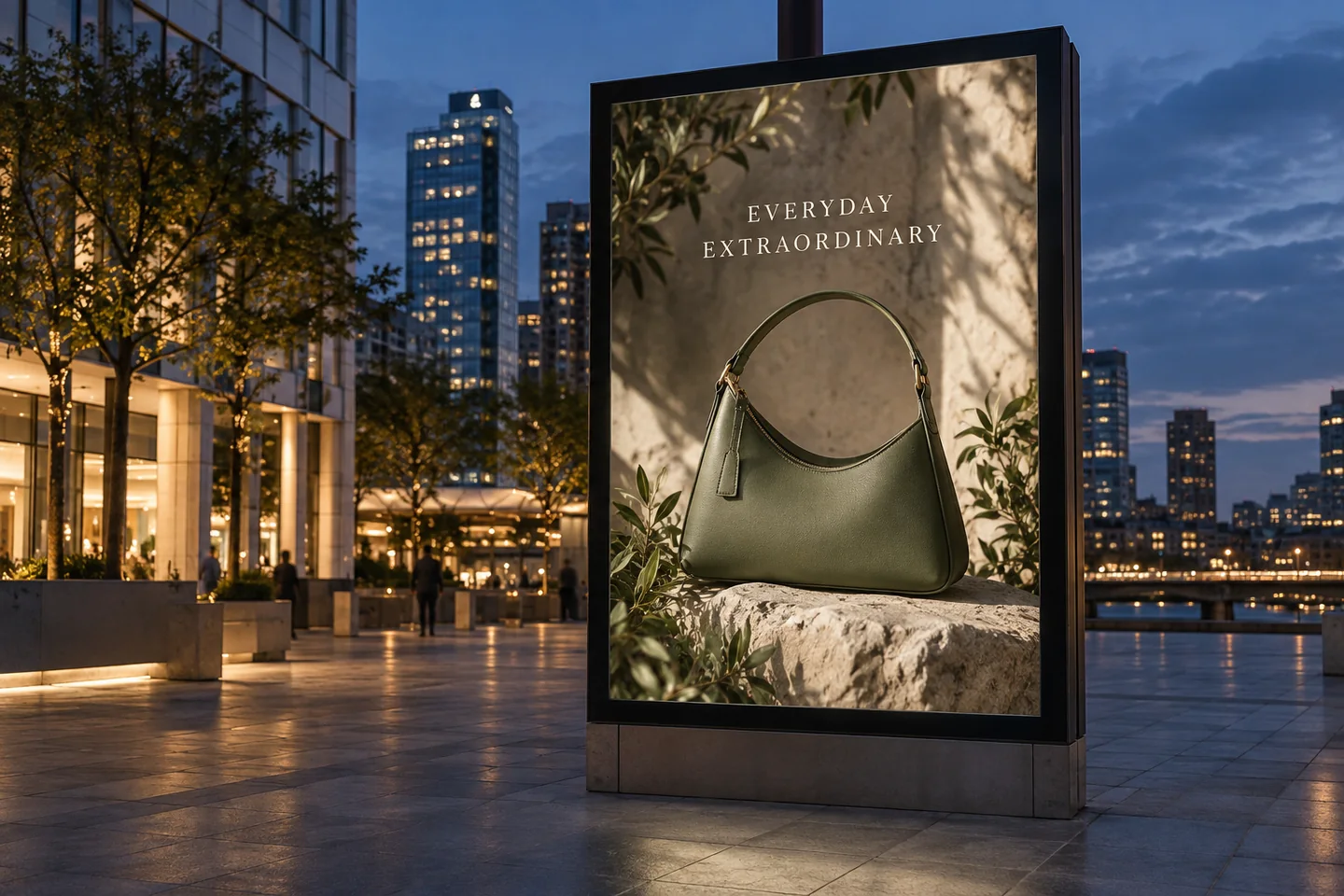
Explore how artwork reads at a larger scale against architecture and changing light.
Create a visual proposal for a transit setting, with clear artwork and realistic screen perspective.
Use a closer setting to show the relationship between the poster, product and surrounding scene.
Template previews. Open a scene to see its inputs and creation options.
Use a product photo or approved artwork. If you need an offer, headline or price, prepare it in Poster Master.
Open a template below and follow its input requirements. Review perspective, reflections and the artwork's readability.
Share a concept or plan creative direction. A generated mockup is not a real media placement, booking or exposure report.
No. Glowya creates visual mockups. Media booking, display approval and installation are separate services.
Use Poster Master to develop the artwork, and follow the selected city template's upload instructions. Review all lettering in the generated mockup.
The hero is an AI-generated concept. The scene library contains template previews. Neither is evidence of a purchased placement or campaign performance.
Generation requires an active membership and sufficient credits. Any introductory offer depends on your account and the current checkout. See Plans for current pricing and eligibility; there is no permanent free generation tier. View pricing.


