


AI FunMotion
A listing and a product story
Prepare clear listing images, then explore short product clips for your next TikTok marketing campaign.
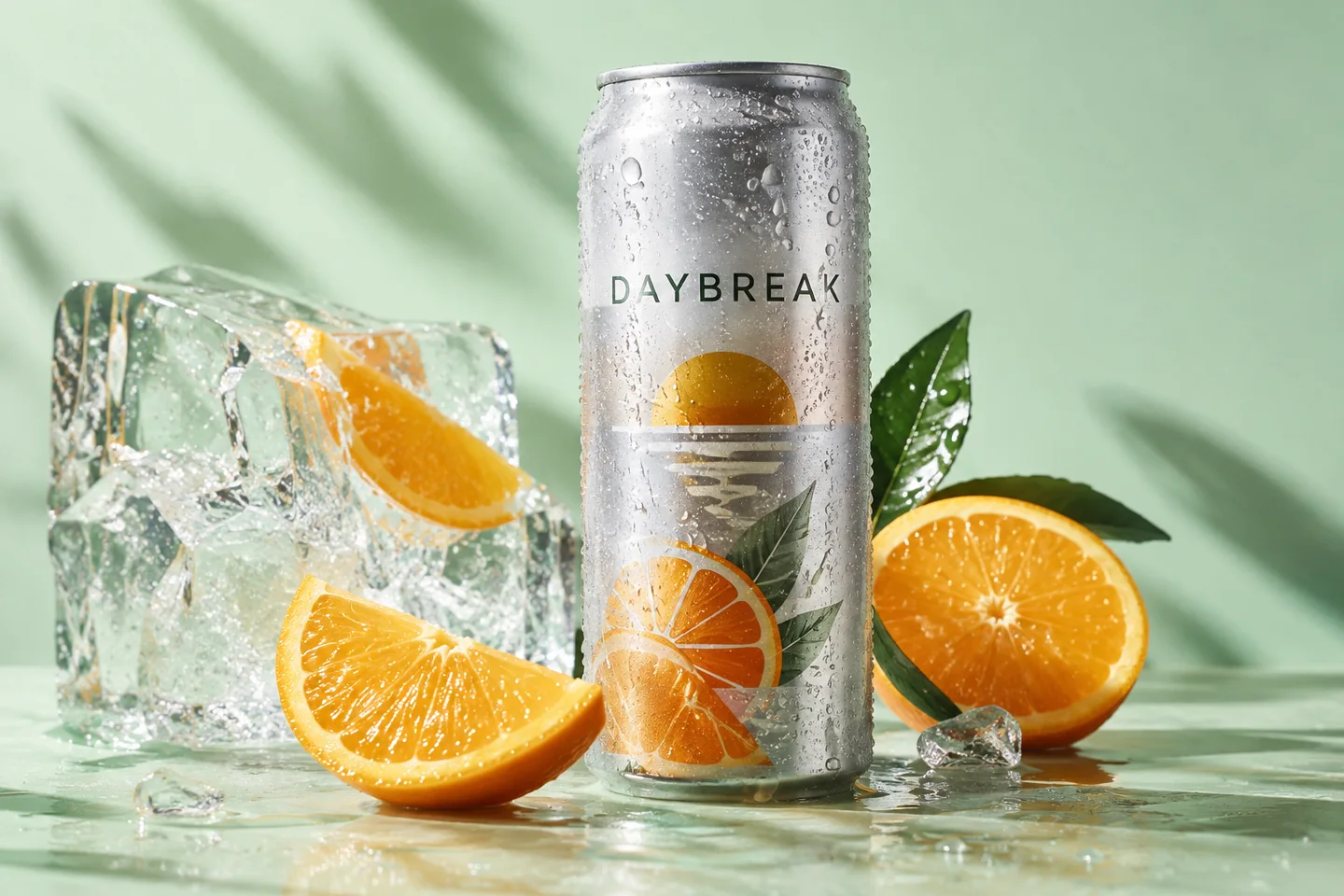
Show the actual item clearly. TikTok Shop's US guidance lists 600 × 600 as a minimum and recommends at least five useful images.
Use real scale and detail photos to answer buyer questions. Check whether a generated scene is appropriate for the specific listing slot.
Explore motion templates for a product reveal or serving scene. Review the product across every frame before publishing.
Template previews. Open a scene to see its inputs and creation options.
Start with accurate photos of the item. Use the image checker to flag technical issues, then review the content yourself.
Choose a product video template and follow its upload instructions. Template output is not a complete edited TikTok campaign.
Check overlays, captions and any applicable AI disclosure rules in the destination app or ad placement before posting.
Sources checked 4 October 2026. Requirements can differ by region and publishing route.
No. Product listing images and in-feed marketing videos have different requirements. A 9:16 video export does not replace the listing's product photos.
No. It measures selected technical properties. It does not verify every policy, product claim, category requirement or the authenticity of the image.
No. Download your files, review them, and publish through your own TikTok or seller account.
Generation requires an active membership and sufficient credits. Any introductory offer depends on your account and the current checkout. See Plans for current pricing and eligibility; there is no permanent free generation tier. View pricing.


