


Flower
From product to storefront
Plan product views, create campaign scenes and prepare consistent crops for your Shopify store.
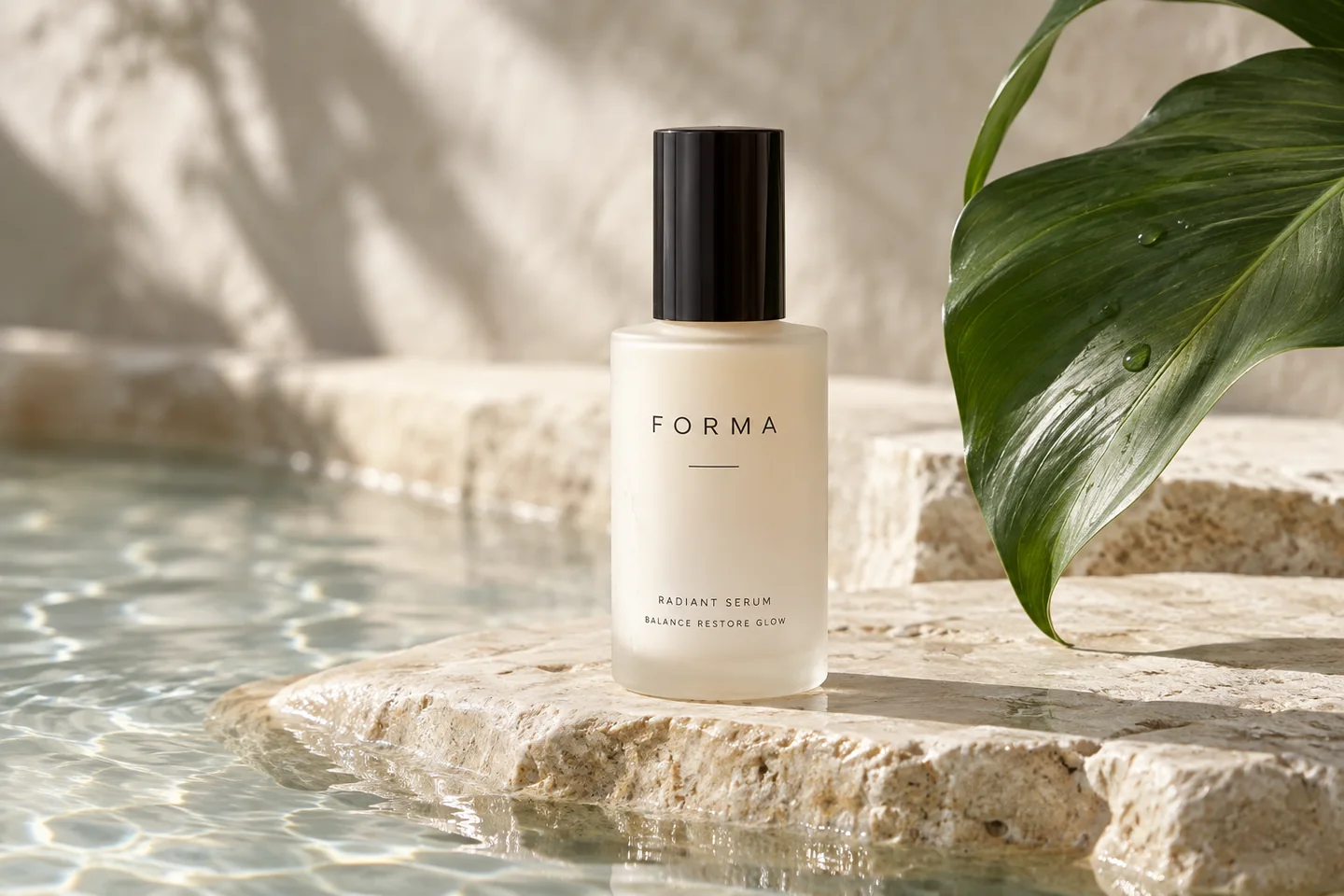
Use a consistent aspect ratio and product scale so the collection feels coherent across desktop and mobile.
Answer buyer questions with real angles, scale and material detail. Add generated scenes where they accurately represent the item.
Create atmospheric visuals for a banner or social campaign, then review the crop in the actual theme.
Template previews. Open a scene to see its inputs and creation options.
Start with the product views buyers need, then identify the lifestyle or campaign scenes you want to create.
Choose a template or use AI Studio. Check labels, product detail and consistency across the final set.
Use the Shopify image resizer for a consistent canvas. Download the files and add them through your Shopify admin.
Sources checked 4 October 2026. Requirements can differ by region and publishing route.
This workflow creates and prepares files for download. It does not automatically sync or publish products to your Shopify store.
Shopify says 2048 × 2048 usually displays best for square images, accepts up to 5000 × 5000 or 25 megapixels, and requires files below 20 MB. Your theme determines the final crop.
Shopify recommends a consistent aspect ratio for featured images shown together. Preview the collection in your actual theme.
Generation requires an active membership and sufficient credits. Any introductory offer depends on your account and the current checkout. See Plans for current pricing and eligibility; there is no permanent free generation tier. View pricing.


