


DepthShot
Perfume photography
Create perfume campaign scenes with glass, reflected light and sculptural sets, starting with a photo of your actual bottle.
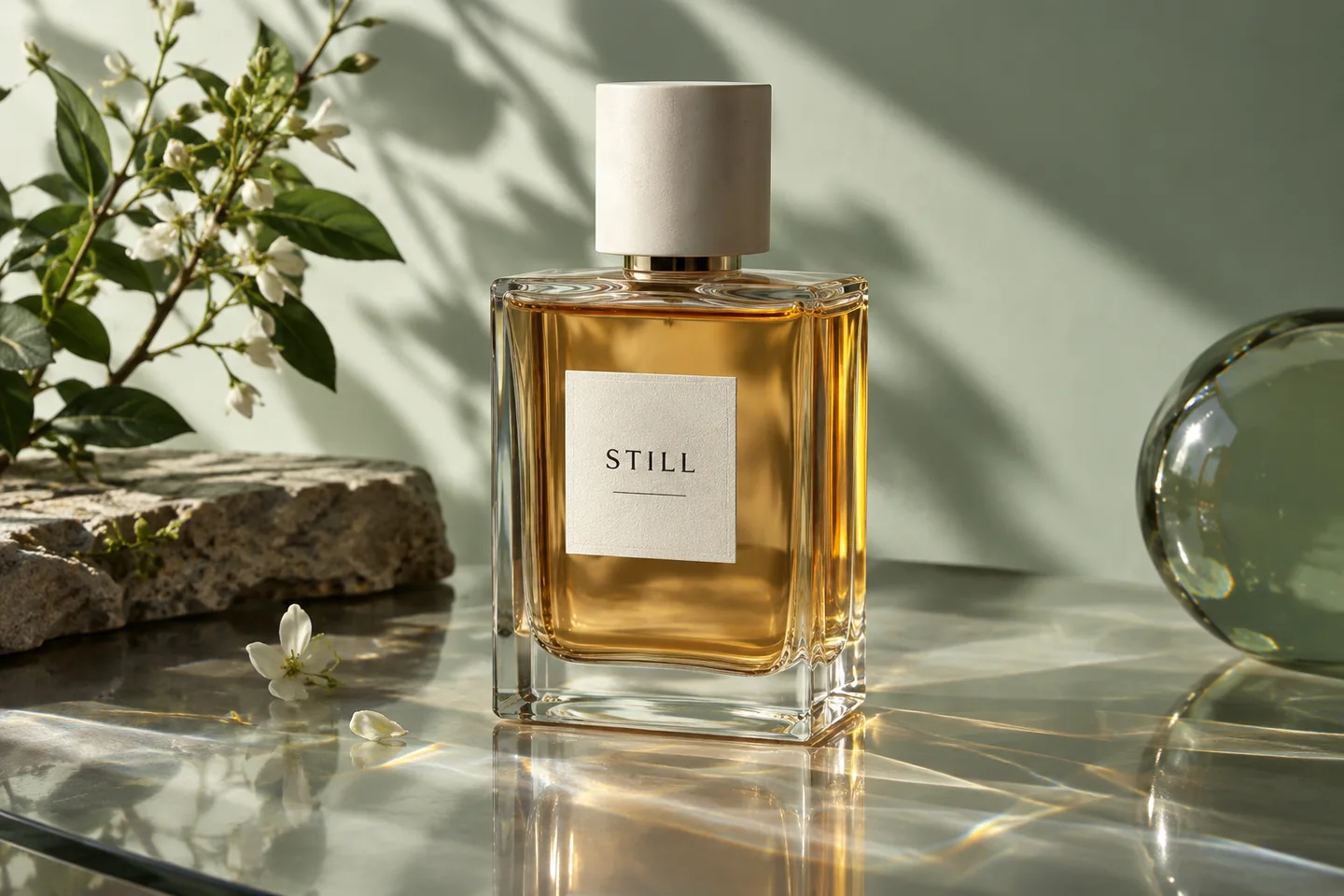
Let the edges of transparent packaging read clearly. Check that reflections do not change the bottle shape.
Keep signature packaging details visible. Review the cap profile, label alignment and generated lettering.
Build a visual mood around your approved campaign concept. Choose props that fit the real product story.
Template previews. Open a scene to see its inputs and creation options.
Upload a sharp photo with the entire product visible. A clear source gives you a useful reference for reviewing the result.
Use an industry template for a composed scene, or use AI Studio with your own reference image and instructions.
Check the glass shape, fill level, cap, label and liquid colour. Keep a genuine source photo for views that need to document exact product details.
Use a focused image of the product you sell, with clear edges and readable packaging. Avoid heavy glare, cropped parts and a background that hides the silhouette.
Check the glass shape, fill level, cap, label and liquid colour. Generated results can change small details, so compare every final image with the source before publishing.
In AI Studio, use a reference image and describe your palette, lighting and composition. Review the results as a set; a reference guides the style but does not guarantee an identical result.
Check the destination's rules and the image's role first. A marketing scene and a marketplace main image have different jobs. Our marketplace guide links to official requirements.
Generation requires an active membership and sufficient credits. See Pricing for the current offer. The browser image preparation tools are separate and free.
Generation requires an active membership and sufficient credits. Any introductory offer depends on your account and the current checkout. See Plans for current pricing and eligibility; there is no permanent free generation tier. View pricing.


