
Listing basics
How Many Product Images Do You Need?
A practical starting point is 6-8 useful images: a clean product view, alternate angles, scale, material detail and one or two in-use scenes. This is an editorial shot list, not a platform minimum or a conversion guarantee. Etsy permits up to 20 photos per listing; Shopify permits up to 250 media items per product. Add an image when it answers a new buyer question.
Updated 4 October 2026 · Official sources linked below
Give every photo a job
| Photo | Starting count | Question it answers |
|---|---|---|
| Clear product view | 1 | What am I buying? |
| Alternate angles | 1-2 | What does the back or side look like? |
| Scale | 1 | How big is it? |
| Material / label detail | 1 | What is the finish or specification? |
| In use / lifestyle | 1-2 | How does it fit my routine? |
| Packaging | 0-1 | What arrives with the product? |
These counts are a planning choice. Use fewer when extra views repeat the same information, and more when variations or complex products need explanation.
Which images should be real product photos?
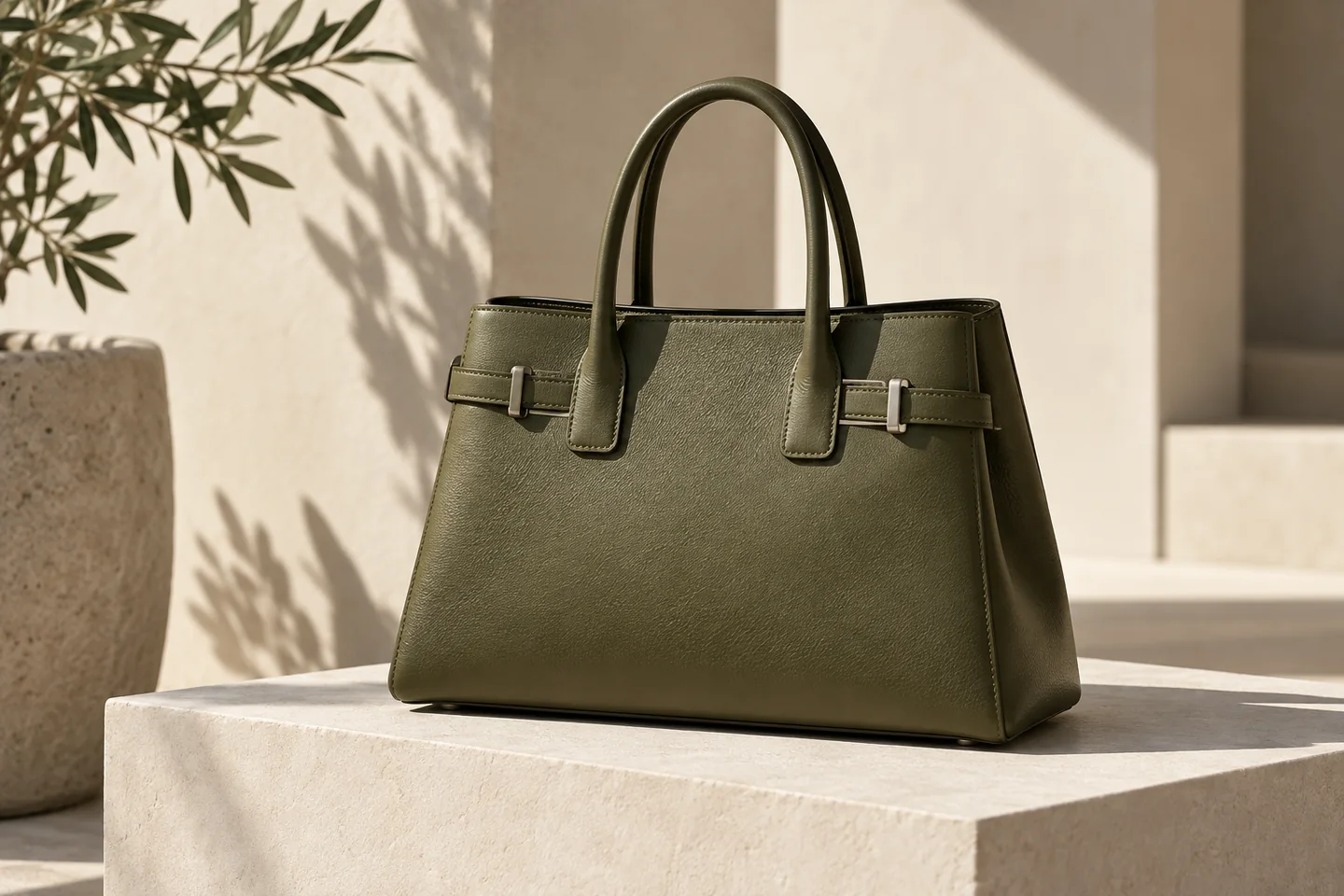
Use accurate photos of the actual item for condition, scale, materials, packaging and other purchasing details. A generated scene is useful for creative direction but can change details a buyer relies on.
Match the image to the destination's policy. Etsy generally requires original photos of the actual product, with specific exceptions for customization and production partners. Amazon has separate main-image and category rules.
How do you choose the next shot?
Read the questions customers ask before buying. If a bag's capacity is unclear, add a scale or in-use view. If jewellery detail matters, show the setting and clasp. If several photos answer the same question, keep the clearest one.
- Scale
- Use a real hand, model or familiar object when it accurately communicates size.
- Detail
- Show stitching, texture, ingredients or packaging without inventing a feature.
- Variations
- Represent the actual colour or variant the buyer selects.
Where can generated scenes help?
For suitable marketing placements, use scene generation to explore seasonal sets, campaign mood or launch visuals. Compare the output to the genuine product photo, then review the destination's rules before publishing.
Keep a shared crop and lighting direction across the set. A consistent reference brief helps the campaign feel coherent even when each image has a different job.
Put the guide into practice
- 01
List buyer questions
Assign one image to each important detail, angle or use case.
- 02
Gather accurate source photos
Photograph the real product clearly, including details that cannot be inferred from a front view.
- 03
Prepare and review the set
Resize for the destination, inspect the thumbnails, and remove repeated or misleading views.
Official sources
Checked 4 October 2026. Recheck your destination before publishing.
A few things to know
Are 6-8 images required?
No. That is a practical editorial starting point. Platform requirements and the product's complexity determine your final set.
How many photos does Etsy allow?
Etsy's current listing help says up to 20 photos. Confirm the available controls in your own listing editor.
Can I replace every listing photo with an AI scene?
Do not assume that. Accurate representation and destination policies still apply. Keep genuine product photos for views that document the actual item.
Make the next visual your own.
Generation requires an active membership and sufficient credits. Any introductory offer depends on your account and the current checkout. See Plans for current pricing and eligibility; there is no permanent free generation tier. View pricing.