
AI Product Packaging Photography
Plan packaging visuals that show the box, product and opening details without inventing what arrives.
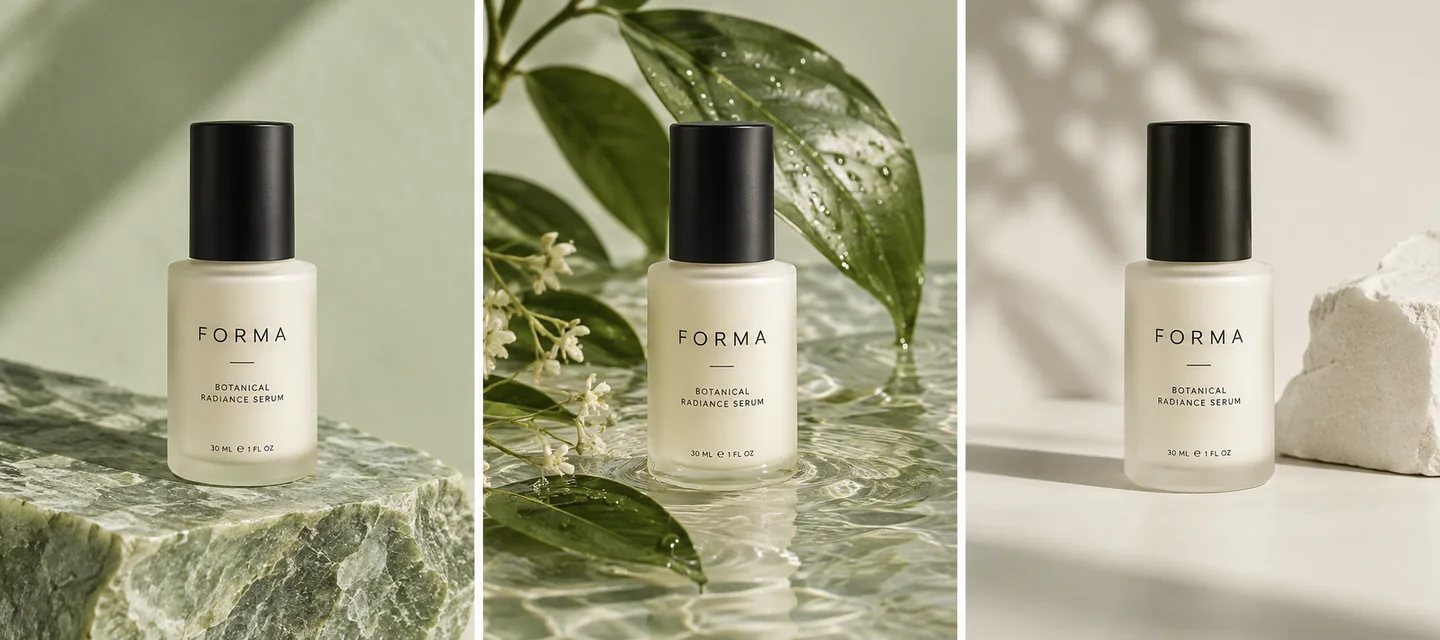
Give this visual a specific job
Packaging photography answers what arrives and how the presentation feels. Build a small set with a closed pack, the product beside its packaging, and a real interior detail. Use the actual package as the reference for campaign scenes. Generation can explore a setting, but it cannot establish hidden inserts, materials or package contents.
Three directions to explore
Closed package
Make the packaging structure and brand panel readable. Keep the product and box distinct.
Photograph the closed pack and an open pack separately. Include the real insert, accessories and product where relevant; keep printed information legible in the originals.
Product beside the pack
Show the item with its actual outer packaging so buyers can understand the relationship.
Interior detail
Use a real open-package photo for inserts, cushioning and accessories that are not visible from outside.
Explore visual references
Existing scene previews for inspiration. Use the creation tool and your brief for the exact composition you need.


Make the brief your own
Start from this composition, add your product, and revise the direction to fit your campaign.
Personalize this starting brief, then copy it into AI Studio or Poster Master with your actual product photo.
A workflow for this visual
1.Prepare the reference
Photograph the closed pack and an open pack separately. Include the real insert, accessories and product where relevant; keep printed information legible in the originals.
2.Direct the composition
Open AI Studio, attach your product photo and use your brief to direct the surface, lighting and composition.
3.Review and prepare
Compare the result with the actual product. Check details at full size, then crop or resize for the intended placement.
Check before you publish
- Box structure and closure match the original.
- Printed panels have not gained invented logos or claims.
- Shown accessories correspond to the actual contents.
- Interior details come from a genuine open-package reference.
Match the asset to the destination's requirements. Read the marketplace image guide. For crop preparation, use the browser image resizer.
A few things to know
Can AI infer what is inside a closed box?
A closed-box reference does not document the inside. Supply a real open-package photo when interior details matter.
How is this different from an unboxing video?
Packaging photos present separate static views. An unboxing clip adds a sequence of opening and reveal moments, with additional frame-by-frame checks.
Make the next visual your own.
Generation requires an active membership and sufficient credits. Any introductory offer depends on your account and the current checkout. See Plans for current pricing and eligibility; there is no permanent free generation tier. View pricing.