
AI Glass Bottle Product Photography
Create glass-bottle scenes with defined edges, readable labels and controlled reflections.
Give this visual a specific job
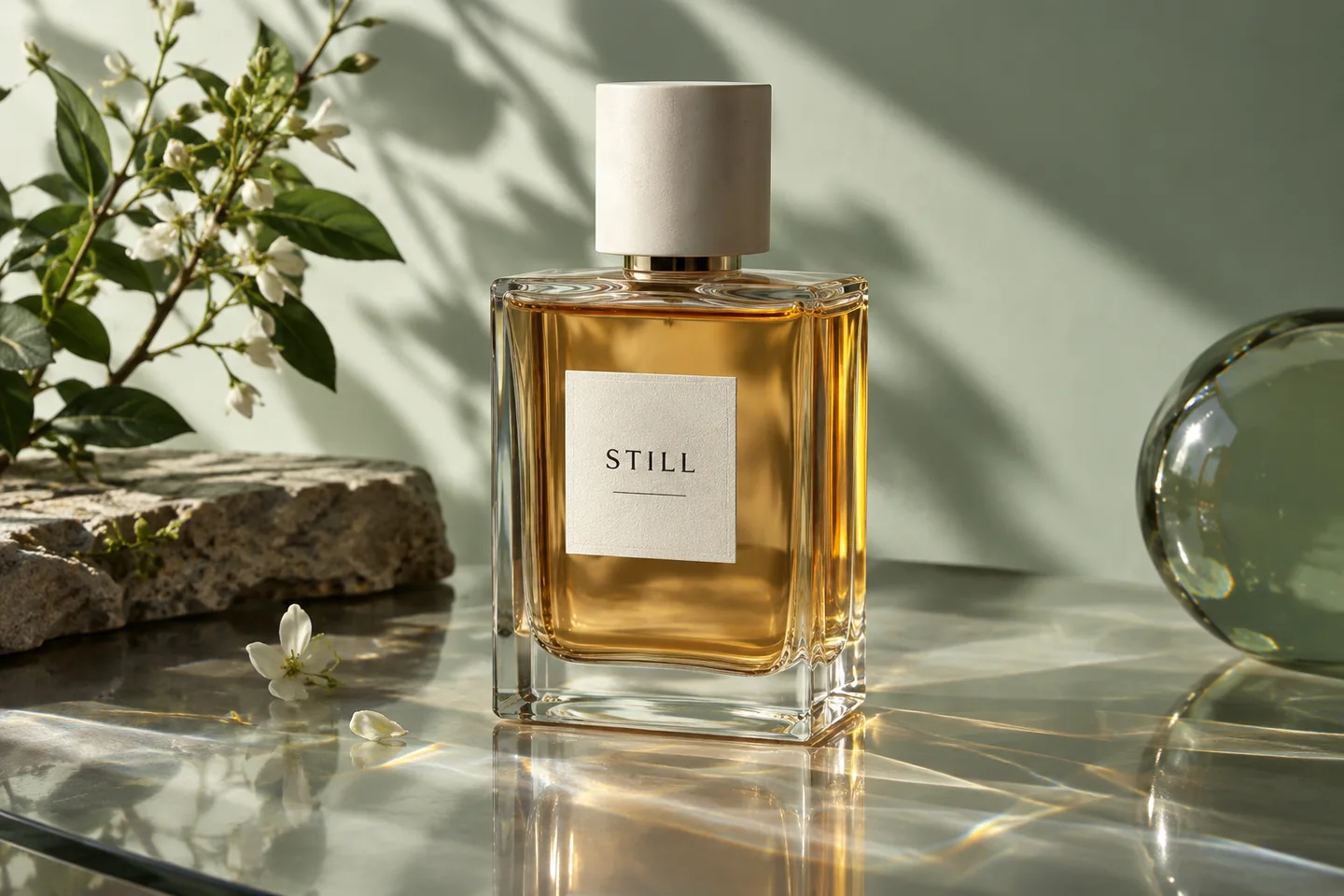
Glass needs visible edges and a lighting direction that makes the bottle readable. Use a source photo that shows the label, cap and liquid clearly, then describe the backdrop and light in AI Studio. A dark outline, a soft highlight and separation from the background can help the glass read without burying the label.
Three directions to explore
Edge-defined studio
Use soft side light and a quiet backdrop so transparent edges stay distinct.
Photograph the bottle against a contrasting surface. Keep the cap, base and fill line visible; avoid a bright reflection passing through the label.
Liquid and color
Show the actual fill level and liquid shade. Avoid a scene that makes a clear formula look opaque.
Bottle in context
Place the bottle in a campaign setting while keeping it large enough for the label to remain useful.
Explore visual references
Existing scene previews for inspiration. Use the creation tool and your brief for the exact composition you need.


Make the brief your own
Start from this composition, add your product, and revise the direction to fit your campaign.
Personalize this starting brief, then copy it into AI Studio or Poster Master with your actual product photo.
A workflow for this visual
1.Prepare the reference
Photograph the bottle against a contrasting surface. Keep the cap, base and fill line visible; avoid a bright reflection passing through the label.
2.Direct the composition
Open AI Studio, attach your product photo and use your brief to direct the surface, lighting and composition.
3.Review and prepare
Compare the result with the actual product. Check details at full size, then crop or resize for the intended placement.
Check before you publish
- Glass edges remain continuous rather than melting into the backdrop.
- The liquid shade and fill line agree with the source.
- Cap profile and bottle base have not changed.
- Highlights do not cover or rewrite the label.
Match the asset to the destination's requirements. Read the marketplace image guide. For crop preparation, use the browser image resizer.
A few things to know
Does AI understand transparent packaging perfectly?
No. Transparency, refraction and small lettering can change. Compare the result with the source at full size before using it.
Is this only for perfume bottles?
The same scene-planning workflow applies to beverage, skincare and other glass packaging. Use the actual product photo and review details specific to the item.
Make the next visual your own.
Generation requires an active membership and sufficient credits. Any introductory offer depends on your account and the current checkout. See Plans for current pricing and eligibility; there is no permanent free generation tier. View pricing.