
AI Reflective Product Photography
Direct scenes for glossy, metallic and mirrored products without losing their material character.
Give this visual a specific job
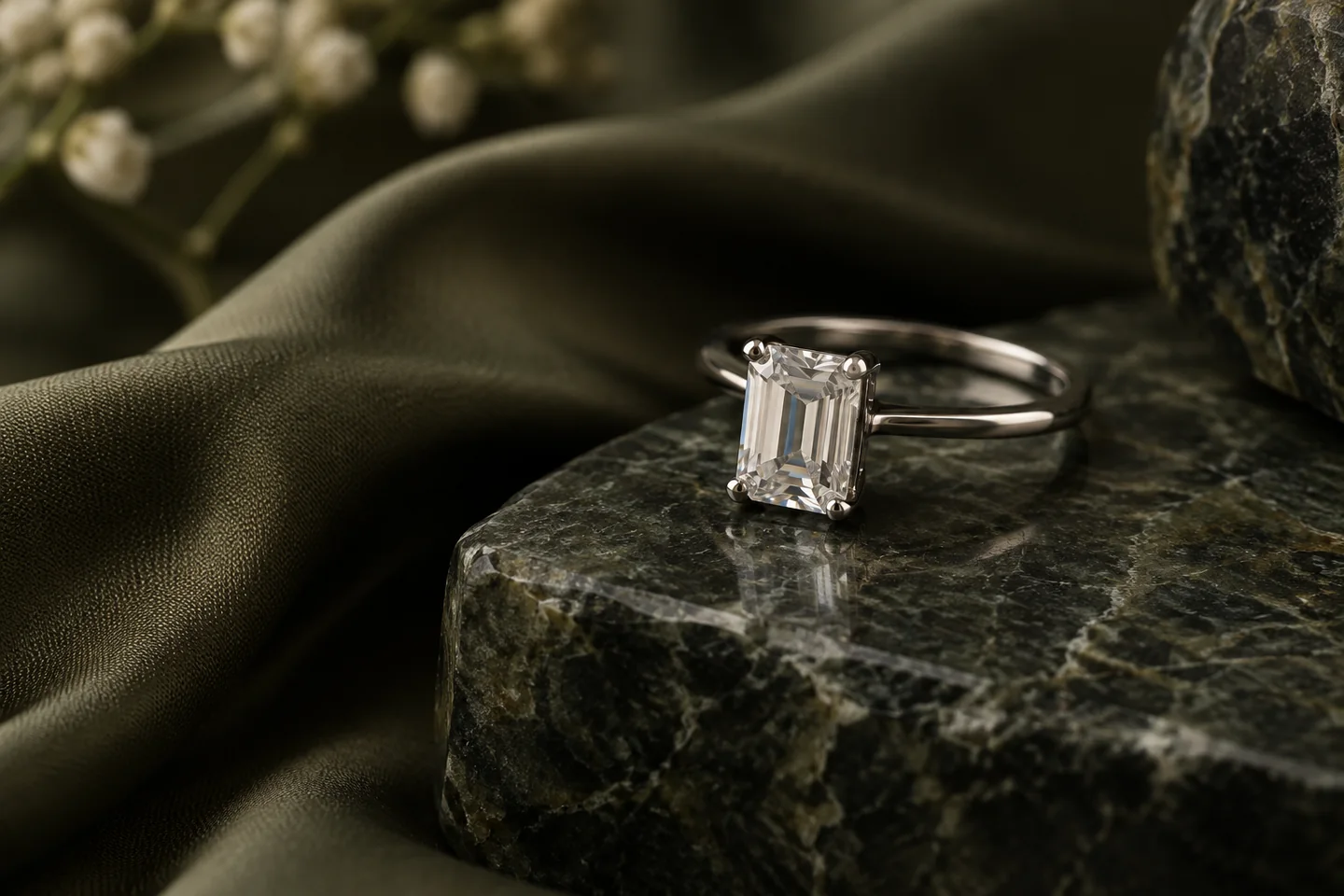
Reflective-product imagery works best when the source already carries a useful reflection. Start with a clear photo of the real finish, then direct broad, soft light and a simple environment. The review is as important as the brief: a polished metal surface should not become matte, and its reflection should make sense in the new scene.
Three directions to explore
Soft-light product hero
Use a large, diffuse highlight to define the surface without creating a blown-out strip.
Use a sharp source that records the actual finish. Remove distracting reflected objects during the shoot when possible; keep one soft highlight that explains the shape.
Finish close-up
Choose a real detail reference when brushed metal, plating or fine engraving matters.
Controlled scene reflection
Keep nearby props simple so the visible reflections do not invent a second product or an impossible room.
Explore visual references
Existing scene previews for inspiration. Use the creation tool and your brief for the exact composition you need.


Make the brief your own
Start from this composition, add your product, and revise the direction to fit your campaign.
Personalize this starting brief, then copy it into AI Studio or Poster Master with your actual product photo.
A workflow for this visual
1.Prepare the reference
Use a sharp source that records the actual finish. Remove distracting reflected objects during the shoot when possible; keep one soft highlight that explains the shape.
2.Direct the composition
Open AI Studio, attach your product photo and use your brief to direct the surface, lighting and composition.
3.Review and prepare
Compare the result with the actual product. Check details at full size, then crop or resize for the intended placement.
Check before you publish
- The material still reads as the same metal, glass or glossy finish.
- Highlights follow the curve of the product.
- Reflections agree with the implied environment.
- Fine engraving and hardware are checked against a real detail photo.
Match the asset to the destination's requirements. Read the marketplace image guide. For crop preparation, use the browser image resizer.
A few things to know
Can generation remove every unwanted reflection?
Do not rely on it for exact retouching. A cleaner source and a simpler lighting brief give you a more useful starting point.
How do I check a generated metallic finish?
Compare highlight width, color and texture with the original. Keep real close-up photos for details that define the item being sold.
Make the next visual your own.
Generation requires an active membership and sufficient credits. Any introductory offer depends on your account and the current checkout. See Plans for current pricing and eligibility; there is no permanent free generation tier. View pricing.