
AI Candle Product Photography
Create candle campaign scenes that keep the jar, wax, wick and label easy to inspect.
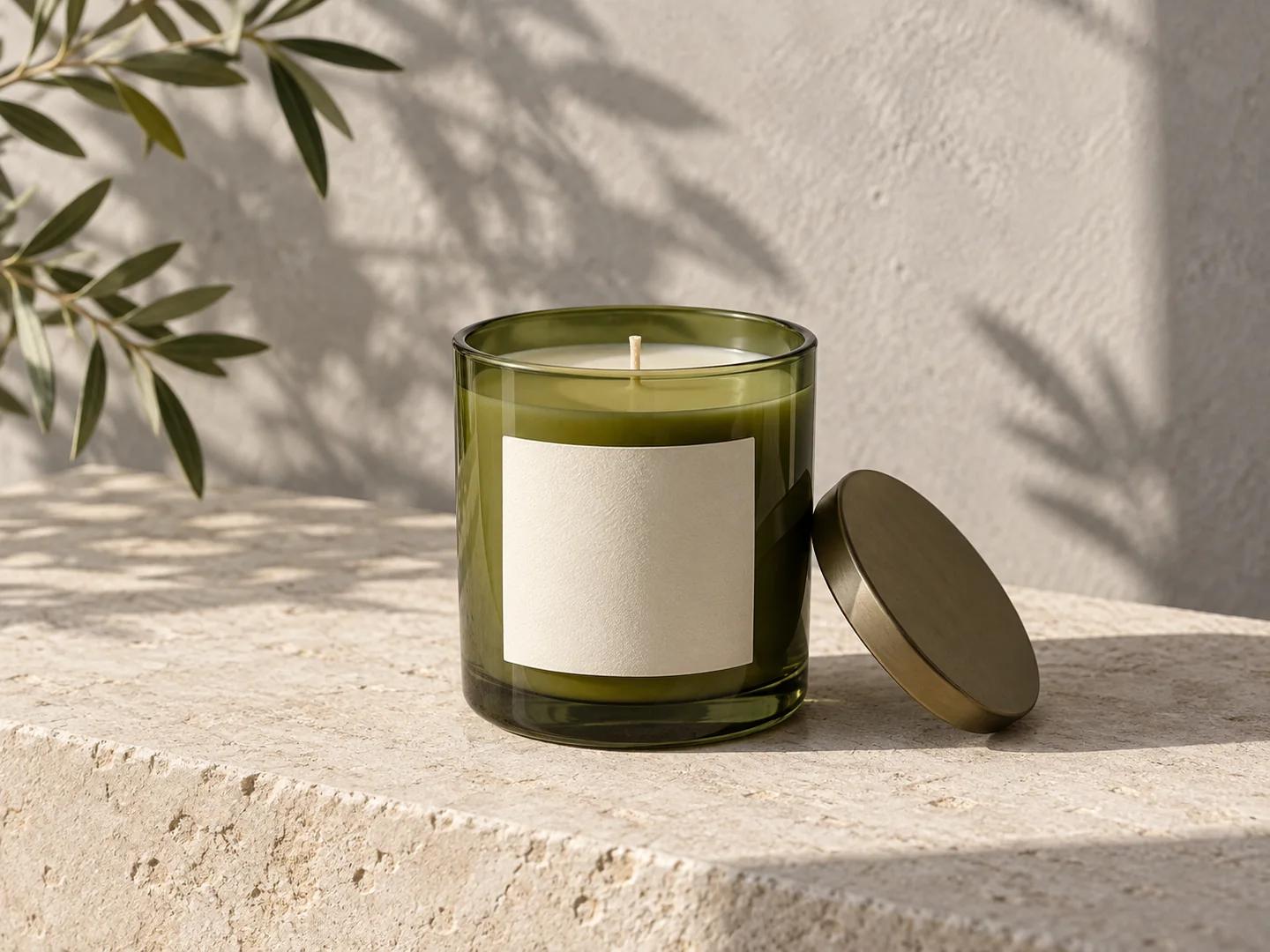
Give this visual a specific job
Candle campaign imagery has two jobs: show the actual vessel and communicate the mood around it. Start with a clear unlit product photo, then explore a surface and lighting direction in AI Studio. Keep a real unlit photo for product details; atmospheric creative should not invent a different wick, vessel or included lid.
Three directions to explore
Unlit product hero
Give the jar and label clear light. This is the reference view for checking the packaging.
Photograph the unlit candle with the entire jar visible. Include the wax surface, wick, label and any lid that is part of the product.
Home setting
Choose a calm tabletop or shelf scene. Keep decorative objects from obscuring the candle.
Wax and vessel detail
Use an actual close-up to show the wick, wax surface and jar finish. Avoid inferring these from a front view.
Make the brief your own
Start from this composition, add your product, and revise the direction to fit your campaign.
Personalize this starting brief, then copy it into AI Studio or Poster Master with your actual product photo.
A workflow for this visual
1.Prepare the reference
Photograph the unlit candle with the entire jar visible. Include the wax surface, wick, label and any lid that is part of the product.
2.Direct the composition
Open AI Studio, attach your product photo and use your brief to direct the surface, lighting and composition.
3.Review and prepare
Compare the result with the actual product. Check details at full size, then crop or resize for the intended placement.
Check before you publish
- Vessel shape, color and lid match the actual candle.
- Wick count and wax surface have not changed.
- The label remains accurate at full size.
- The scene does not imply an included prop or an unsupported burn time.
Match the asset to the destination's requirements. Read the marketplace image guide. For crop preparation, use the browser image resizer.
A few things to know
Should I generate a flame for the product image?
Use a real lit photo if the actual burn appearance matters. The sample brief keeps the candle unlit so packaging and wax can be reviewed clearly.
Are the candle examples photos of a customer product?
The hero is a fictional AI-generated scene. Upload your own candle in AI Studio to create and review a campaign concept for your item.
Make the next visual your own.
Generation requires an active membership and sufficient credits. Any introductory offer depends on your account and the current checkout. See Plans for current pricing and eligibility; there is no permanent free generation tier. View pricing.