
AI Jewelry Social Media Images
Plan jewelry campaign posts with visible detail, consistent styling and crops that keep delicate pieces in frame.
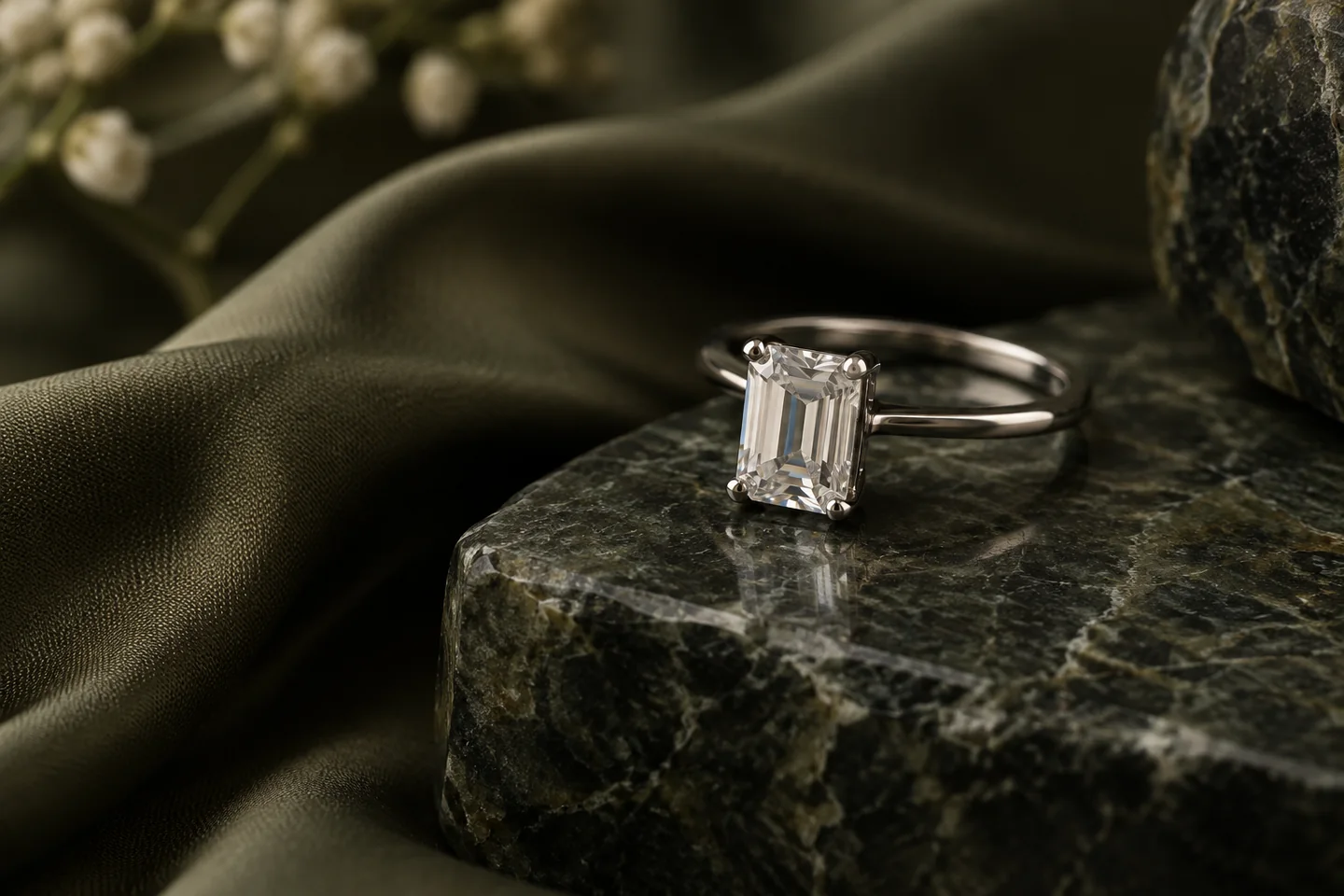
Give this visual a specific job
For jewelry social content, give each post a role: the complete piece, a styling moment or a detail. Use genuine close-ups for stones, settings and clasps; explore scene styling around them with AI Studio. Keep enough space for different crops, and check that a fine chain or small earring survives the thumbnail.
Three directions to explore
Complete-piece post
Show the entire ring, necklace or pair of earrings with a quiet background.
Upload a focused photo of the actual piece. Keep a separate macro reference for settings and a real worn reference if apparent size is important.
Styling composition
Use fabric or stone to set the mood without tangling chains or hiding clasps.
Detail-led post
Start from a real close-up. Keep gemstone count, setting and metal finish visible.
Explore visual references
Existing scene previews for inspiration. Use the creation tool and your brief for the exact composition you need.


Make the brief your own
Start from this composition, add your product, and revise the direction to fit your campaign.
Personalize this starting brief, then copy it into AI Studio or Poster Master with your actual product photo.
A workflow for this visual
1.Prepare the reference
Upload a focused photo of the actual piece. Keep a separate macro reference for settings and a real worn reference if apparent size is important.
2.Direct the composition
Open AI Studio, attach your product photo and use your brief to direct the surface, lighting and composition.
3.Review and prepare
Compare the result with the actual product. Check details at full size, then crop or resize for the intended placement.
Check before you publish
- Stone count, setting and clasp match the original.
- Fine chains remain continuous through the composition.
- A pair has not become one item or gained extra pieces.
- The piece stays visible in the final thumbnail crop.
Match the asset to the destination's requirements. Read the marketplace image guide. For crop preparation, use the browser image resizer.
A few things to know
Can a generated on-model view prove jewelry size?
Use a real worn photo or measured product information for scale. A generated model scene can change the apparent size of a piece.
Should every post use the same crop?
Keep a coherent visual style while selecting a crop for the actual placement. Use the resizer and preview the piece at feed size.
Make the next visual your own.
Generation requires an active membership and sufficient credits. Any introductory offer depends on your account and the current checkout. See Plans for current pricing and eligibility; there is no permanent free generation tier. View pricing.